
How to Set Up Your Social Media Profile to Keep Your Information Private
Protecting your personal information online starts with how you set up your account. Social networks are designed to connect people, but they also allow strangers to access your data if proper boundaries aren’t set. Adjusting these settings is a simple process that greatly strengthens your digital security.
-
Use strong and unique passwords: Avoid using your name, birth date, or simple sequences like “123456”. Create passwords that combine uppercase and lowercase letters, numbers, and symbols. If it’s hard to remember them, writing them down in a physical notebook is perfectly fine, as long as you keep it in a safe, private place at home, away from the eyes of visitors or strangers.
-
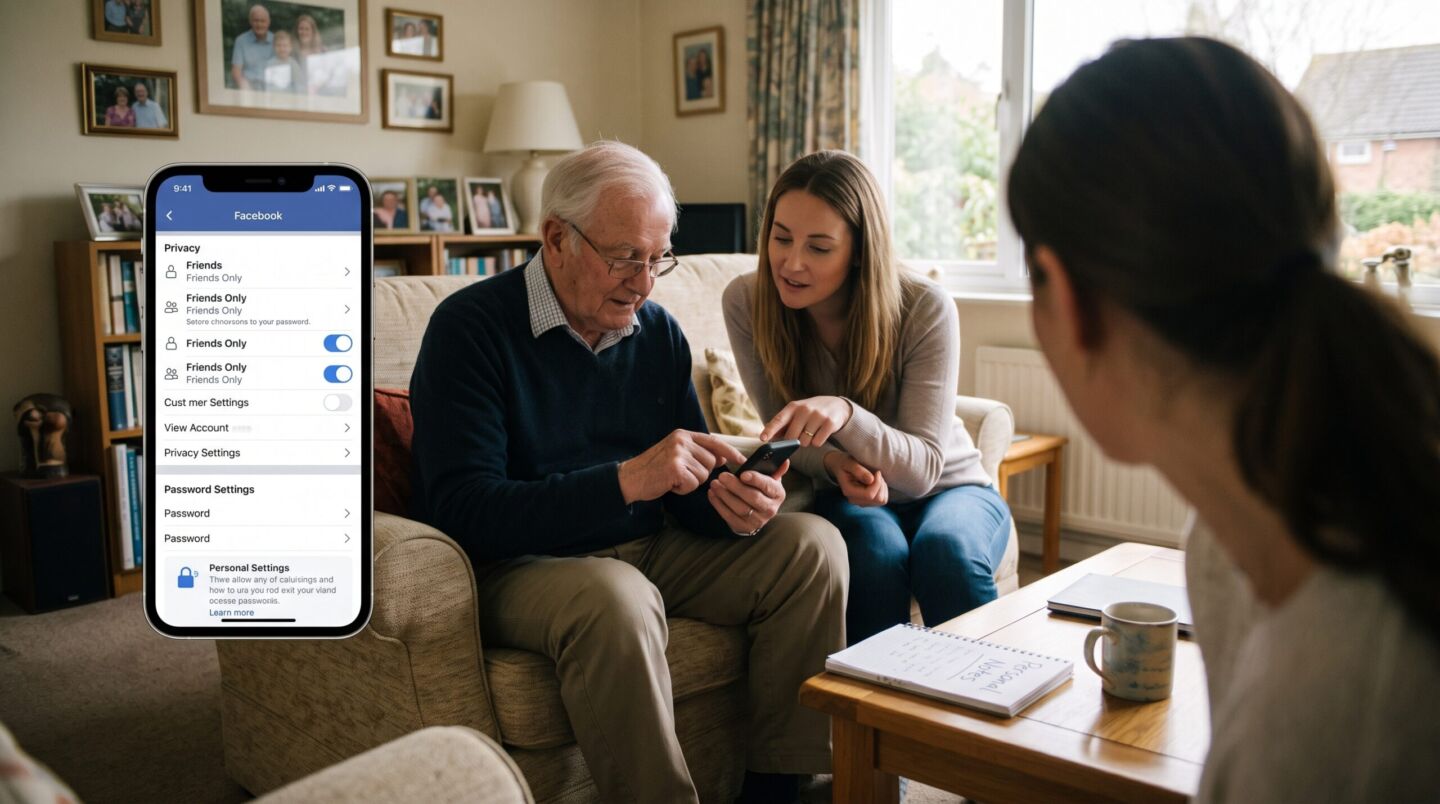
Adjust the visibility of your posts: On platforms like Facebook, go to the “Settings & Privacy” section. Change who can see your posts from “Public” to “Friends”. This ensures that only people you have accepted into your network can see your photos and updates.
-
Hide your contact information: Your profile shouldn’t be a public directory. Remove or change the setting to “Only me” for sensitive data like your phone number, home address, email, and full date of birth. Scammers use this information to impersonate you or send you misleading messages.
-
Be selective with friend requests: Do not accept invitations from people you don’t know in real life, even if they have a friendly profile picture or seem to share common interests. Fake accounts are a common tool used to extract information from trusting users.
-
Log out on shared devices: If you check your social media on a family member’s computer, at a library, or on a phone that isn’t yours, always make sure to click “Log out” before leaving. Simply closing the browser window is not enough to disconnect your account.