

2026 Cybersecurity Tips for Seniors
The internet used to be a safe, welcoming place to look up recipes, check in on grandkids, and share old photos. But lately, navigating the digital world can feel like walking through a minefield. Scammers are getting smarter, artificial intelligence is getting stranger, and con artists are actively targeting older adults because they think they’re an easy mark.
But here is the truth: you do not have to be a victim. By arming yourself with the right knowledge, you can build a digital fortress around your hard-earned savings. This guide breaks down the most critical cybersecurity tips for seniors to keep you safe, confident, and completely in control of your digital life—with zero confusing tech jargon.

1. Beware of AI Voice Cloning and the “Lying Mirror”
Imagine getting a frantic phone call from your grandchild. They’re crying, claiming they’ve been in a terrible accident, and need money wired immediately. It sounds exactly like them.
Welcome to the era of AI voice cloning. Using just a few seconds of audio taken from social media, cybercriminals can perfectly mimic the voice of someone you love.
💡 Deepfake Recognition Tips:
-
Listen for the pauses: Listen closely for strange, robotic pauses or unnatural wording.
-
Create a family firewall: Establish a secret “family code word” that only you and your relatives know. If you get a sudden, panicked distress call demanding money, ask for the word. If they can’t provide it, hang up immediately. It’s a ghost in the machine.
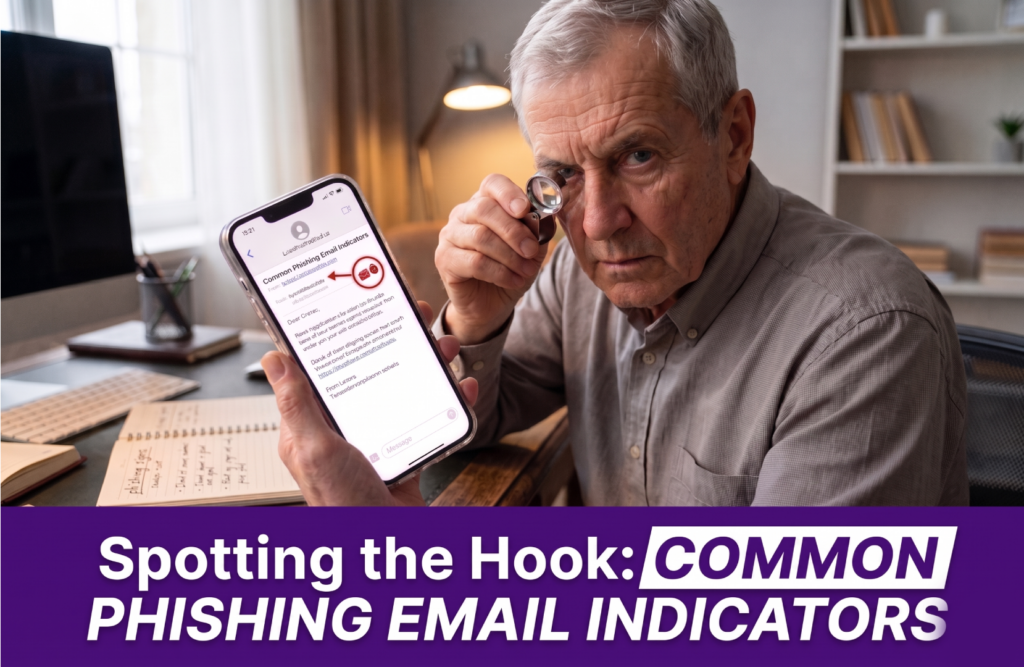
2. Spotting the Hook: Common Phishing Email Indicators
An email pops up in your inbox claiming to be from the post office, the Canada Revenue Agency, or a major courier company. It insists that a package is being returned or that you have a pending fine, urging you to click a link to resolve it.
These are phishing scams designed to make you panic. However, you can spot them easily if you know what to look for.
💡 Phishing Email Indicators to Watch For:
-
Check the sender’s address: Look closely at the actual email address at the very top. Official organizations use clean, simple domain names (like
.govor.ca). Scammer addresses are often a mile long and packed with random numbers and letters. -
Never bite: If a message feels suspicious, ignore it entirely. Open a new browser window, search for the official website yourself, and log in securely from there.
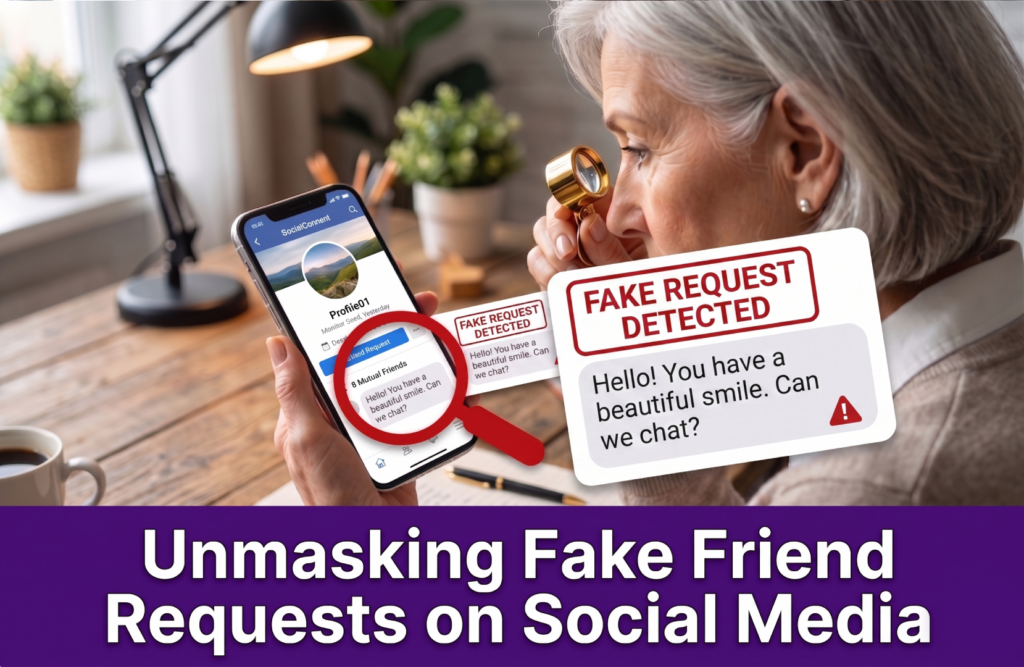
3. Unmasking Fake Friend Requests on Social Media
Social media is a wonderful way to stay connected, but it requires strict gatekeeping. You might receive a friend request from someone charming you don’t know, or even a “duplicate” profile from someone who is already your Facebook friend.
Scammers use fake friend requests to create a digital mask. Once you accept, they shower you with excessive flattery before pivoting to personal questions about your family, your schedule, or your money.
💡 Guarding the Gates:
-
Verify duplicate requests: If a lifelong friend suddenly sends you a brand-new friend request, do not accept it. Call them on the phone first—their real account has likely been cloned.
-
Keep your circle private: Decline requests from strangers, no matter how nice or familiar their profile picture looks.
📖 Power Up Your Digital Playbook
If you want to stay ahead of modern con artists, you can’t just react to the news—you need a personal playbook. That is exactly why we created our premier digital guide: “7 Things Every Adult Should Know When Navigating Online.” > Written specifically with seniors in mind, this guide strips away the condescending tech-speak and gives you the exact, actionable blueprints to protect your retirement, your identity, and your peace of mind.
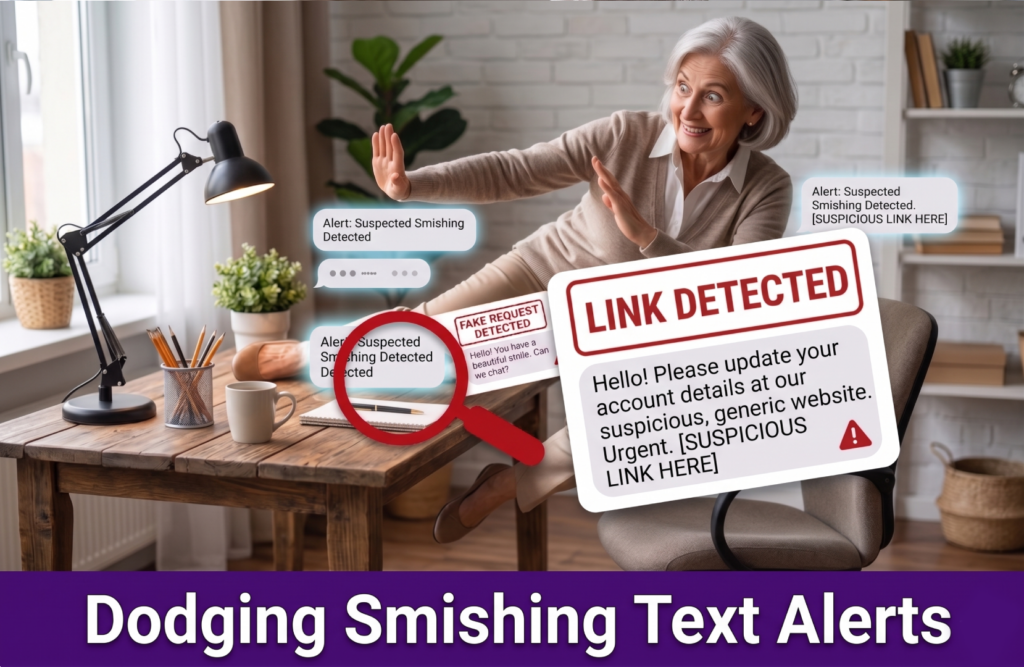
4. Dodging Smishing Text Alerts
Just like email phishing, scammers love to target your mobile phone through SMS (text) messages. This is known as “smishing.”
You might receive smishing text alerts that claim to be from your bank, warning you about a “strange movement,” a “blocked account,” or a suspicious transfer. These texts always include a handy link to “fix” the issue.
💡 Bank Safety Rules:
-
Banks never text links: Legitimate banks will never send you login links or ask for your password via a text message.
-
Flip the card: If you are worried about your account, delete the text immediately. Flip your physical plastic bank card over, call the number printed on the back, and talk to a real human being.
5. Identifying Aggressive Senior Investment Scams
You’ve worked a lifetime to secure your retirement, and scammers know it. Watch out for online advertisements or random messages offering “unique, zero-risk opportunities” to invest in gold, cryptocurrency, or foreign real estate. Similarly, beware of pop-ups claiming you’ve won a massive sweepstakes or lottery that you never even entered.
These senior investment scams operate on a single principle: they demand an upfront “processing fee” or “tax” before you can collect your returns or winnings.
💡 The Golden Rule of Investing:
-
Trust your gut: If an investment opportunity promises incredibly high returns with zero risk, it is always a scam.
-
Say no to upfront fees: Never send money to an internet stranger to unlock a prize or investment return.

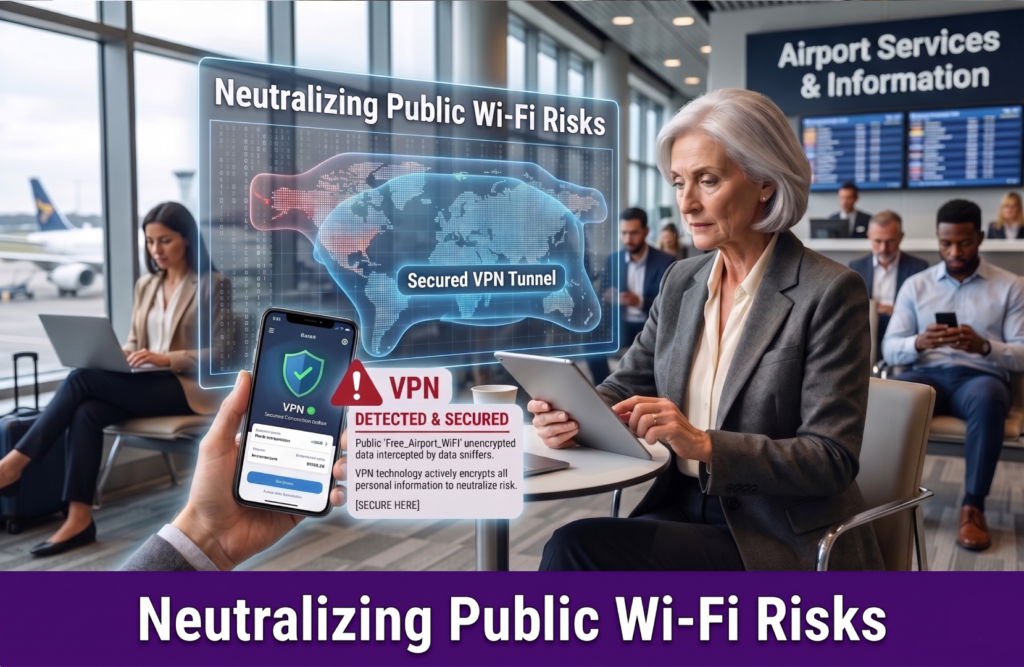
6. Neutralizing Public Wi-Fi Risks
When you’re sitting at a local cafe, a library, or waiting at an airport terminal, connecting to a network named “Free_Café_WiFi” is incredibly convenient. But free, unencrypted networks come with massive public Wi-Fi risks.
Because these networks do not require a secure password, a cybercriminal sitting just two tables away can use basic software to intercept everything you type on your phone or laptop.
💡 The “Invisible Microphone” Rule:
-
Treat public Wi-Fi like an open microphone: It is perfectly fine to use public networks to read the news, look up local weather, or watch a video.
-
Save the sensitive stuff for home: Never log into your bank account, input your social security numbers, or do online credit card shopping while connected to public Wi-Fi. Wait until you are safely on your secure home network.
Summary: Take Control of Your Digital Safety
Maintaining digital safety for seniors doesn’t mean you have to stop using the internet. The entire strategy of an online scammer relies on one thing: momentum. They want to rush you, panic you, and make you click a link or wire money before you have time to think.
The moment you slow down, use these cybersecurity tips, and verify who you are talking to, their entire trap breaks down. You hold all the power.
Want to keep the scammers out of your life for good? Don’t navigate the web unprotected. Download your easy-to-follow playbook, “7 Things Every Adult Should Know When Navigating Online,” and protect your hard-earned retirement today.
Presented by Rhyno Cybersecurity. We protect with passion.